
Numbers API
List and query DID (Direct Inward Dial) numbers assigned to your account.
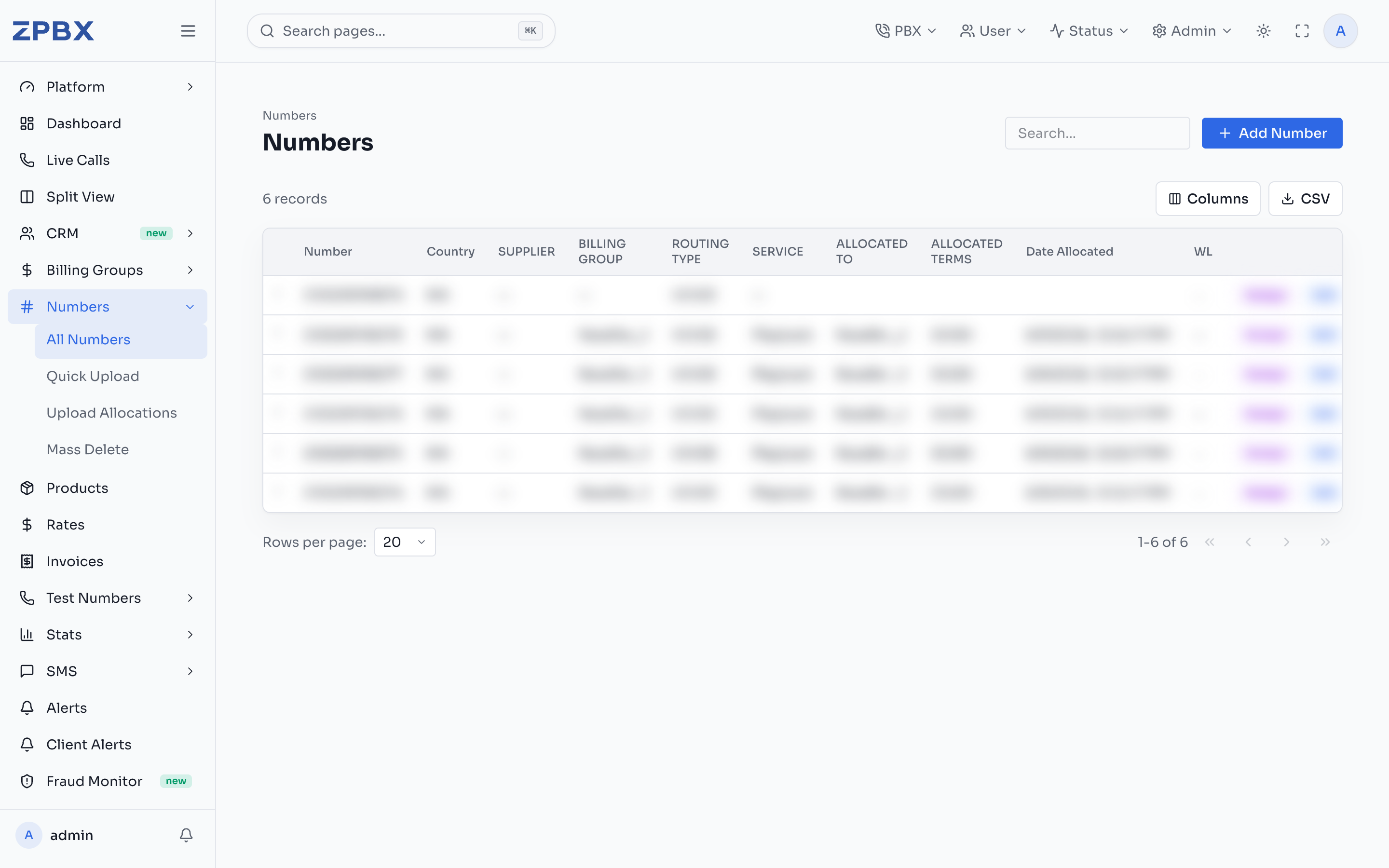
List numbers
GET /v1/numbers
Query parameters
| Parameter | Type | Default | Description |
|---|---|---|---|
pageSize | number | 50 | Records per page (max 1000) |
cursor | string | — | Pagination cursor from nextPageUrl |
status | enum | — | AVAILABLE, ALLOCATED, RESERVED |
country | string | — | ISO country code (e.g. NG, GB) |
routingType | string | — | Filter by routing type |
billingGroupId | string | — | Filter by billing group (superadmin only) |
Example request
curl "https://api.zpbx.es/v1/numbers?pageSize=20&country=NG" \
  -H "Authorization: Bearer zpbx_your_api_key_here"
Example response
{
  "numbers": [
    {
      "id": "clx...",
      "number": "2348139980957",
      "country": "NG",
      "status": "ALLOCATED",
      "routingType": "VOICE",
      "billingGroupId": "cmq...",
      "monthlyCost": 0.80,
      "monthlyPrice": 1.50
    }
  ],
  "nextPageUrl": null,
  "meta": { "pageSize": 20, "hasMore": false }
}
Number fields
| Field | Type | Description |
|---|---|---|
number | string | The DID in E.164 format |
country | string | ISO 3166-1 alpha-2 country code |
status | string | AVAILABLE, ALLOCATED, or RESERVED |
routingType | string | VOICE, SMS, or FAX |
billingGroupId | string | null | Assigned billing group |
monthlyCost | number | null | Monthly buy cost |
monthlyPrice | number | null | Monthly sell price |
Pagination
The API uses cursor-based pagination. When meta.hasMore is true, use nextPageUrl to fetch the next page.
Provisioning new numbers (POST /v1/numbers) is not yet available via the public API. Use the ZPBX console for number provisioning.